Invoice by asking your AI assistant
BooksBat runs an MCP server at /mcp. Connect it to any MCP compatible AI assistant or code editor and you can create, find, read and send invoices just by asking.
- Open standard
- Uses your API key
- Same data as the app

Your invoices, one sentence away
AI assistants are good at understanding what you mean, but on their own they cannot reach your invoicing. The Model Context Protocol, or MCP, is an open standard that lets an assistant call tools that live in another service. BooksBat runs an MCP server at https://booksbat.com/mcp, so an assistant you already use can work with your BooksBat account.
Once connected, you can say things like "Invoice Acme for 10 hours of consulting at $90 an hour" or "Which invoices are still unpaid?" and the assistant calls the right BooksBat tool. Everything it does appears in the BooksBat app, so you can always check, edit or follow up in the browser.
Why connect BooksBat to your assistant
Plain language
Describe the invoice in your own words and the assistant fills in the client, lines and amounts.
Works with MCP clients
Any MCP compatible AI assistant or code editor can connect using the server address and your API key.
Four focused tools
create_invoice, list_invoices, get_invoice and send_invoice cover the everyday jobs.
Your key, your account
The server acts only with the API key you give it, and you can revoke that key at any time.
Real invoices
Invoices created this way are normal BooksBat invoices, with your designs, taxes, payment link and reminders, and they post to your books.
Connect in 3 steps
- 1
Create an API key
Sign in and create a key on the developer page.
- 2
Add the server to your client
In your AI assistant or code editor, add an MCP server with the address
https://booksbat.com/mcpand your API key as a Bearer token. - 3
Ask for what you need
Ask the assistant to create, find, show or send an invoice. It calls BooksBat for you.
Tools the server provides
- create_invoice
- Creates an invoice for a client with line items, quantities, units and prices. Your business profile defaults apply.
- list_invoices
- Lists your invoices so the assistant can answer questions such as which ones are unpaid or overdue.
- get_invoice
- Reads one invoice in full: client, lines, totals, status and payments.
- send_invoice
- Emails an invoice to the client with the PDF attached and a link to the public page where they can view and pay.
- Same rules as the app
- Plan limits, number formats, statuses and exact money math work exactly as they do in the browser.
- Same data as the API
- The MCP server uses the BooksBat API, so you can mix assistant requests, code and the web app.
Things you can ask
- "Create an invoice for Green Garden Ltd: 3 visits of lawn care at $60 each, due in 14 days."
- "List my overdue invoices and the total I am owed."
- "Show me invoice INV-2026-0042."
- "Send the latest draft invoice for Acme."
- "Which clients have not paid this month?"
A good habit is to ask the assistant to create the invoice as a draft first, look at it in the invoices page or ask it to read it back, then tell it to send.
Safety and control
The MCP server can only do what the four tools allow, and only in the account that owns the API key. It cannot change your settings, payment connection or plan. If you stop using an assistant, revoke its key on the developer page and access ends straight away.
Because sending an invoice emails your client, many assistants ask you to confirm before calling send_invoice. Keep that confirmation on if your client offers it.
Frequently asked questions
What is an MCP server?
MCP, the Model Context Protocol, is an open standard that lets AI assistants call tools in other services. The BooksBat MCP server exposes invoicing tools to any MCP compatible assistant.
What is the server address?
https://booksbat.com/mcp. Add it in your assistant or code editor along with your API key as a Bearer token.
Which assistants work with it?
Any MCP compatible AI assistant or code editor that supports remote MCP servers with a Bearer token.
What can the assistant do?
Create invoices, list invoices, read one invoice and send an invoice, using the tools create_invoice, list_invoices, get_invoice and send_invoice.
Can it change my settings or payments?
No. The tools cover invoices only. Settings, payment provider connections and billing stay in the web app.
How do I disconnect it?
Revoke the API key on the developer page. The assistant loses access immediately.
Related features
Invoicing APIA REST API for clients, invoices and quotes: create, send and record payments from your own code, with OpenAPI docs.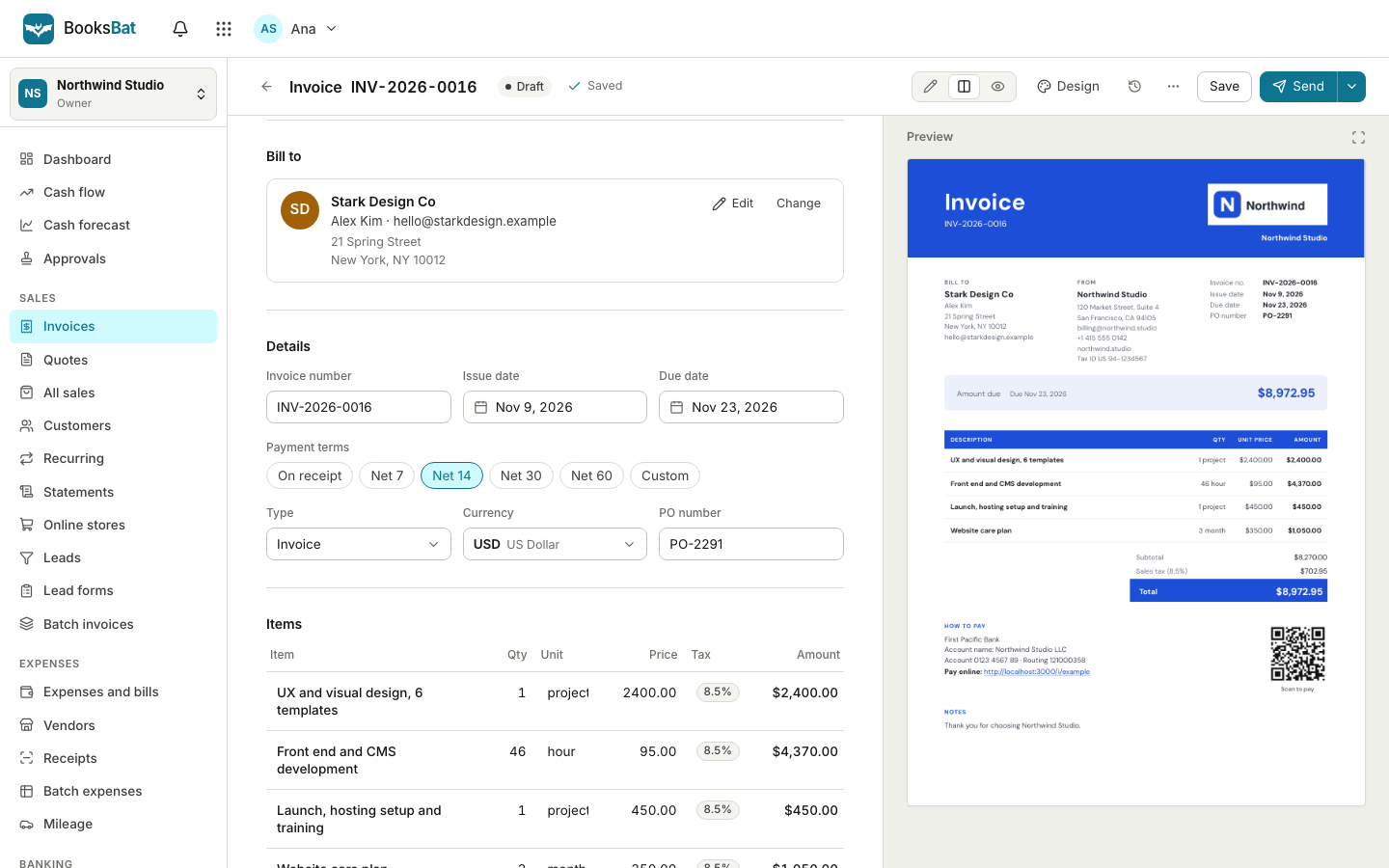 AI invoice draftingPaste an email or your job notes and AI drafts the invoice for you: client, line items, quantities and prices, ready to check and send.Online invoicingCreate professional invoices in minutes, email them with the PDF attached and let clients view and pay on a mobile friendly page.
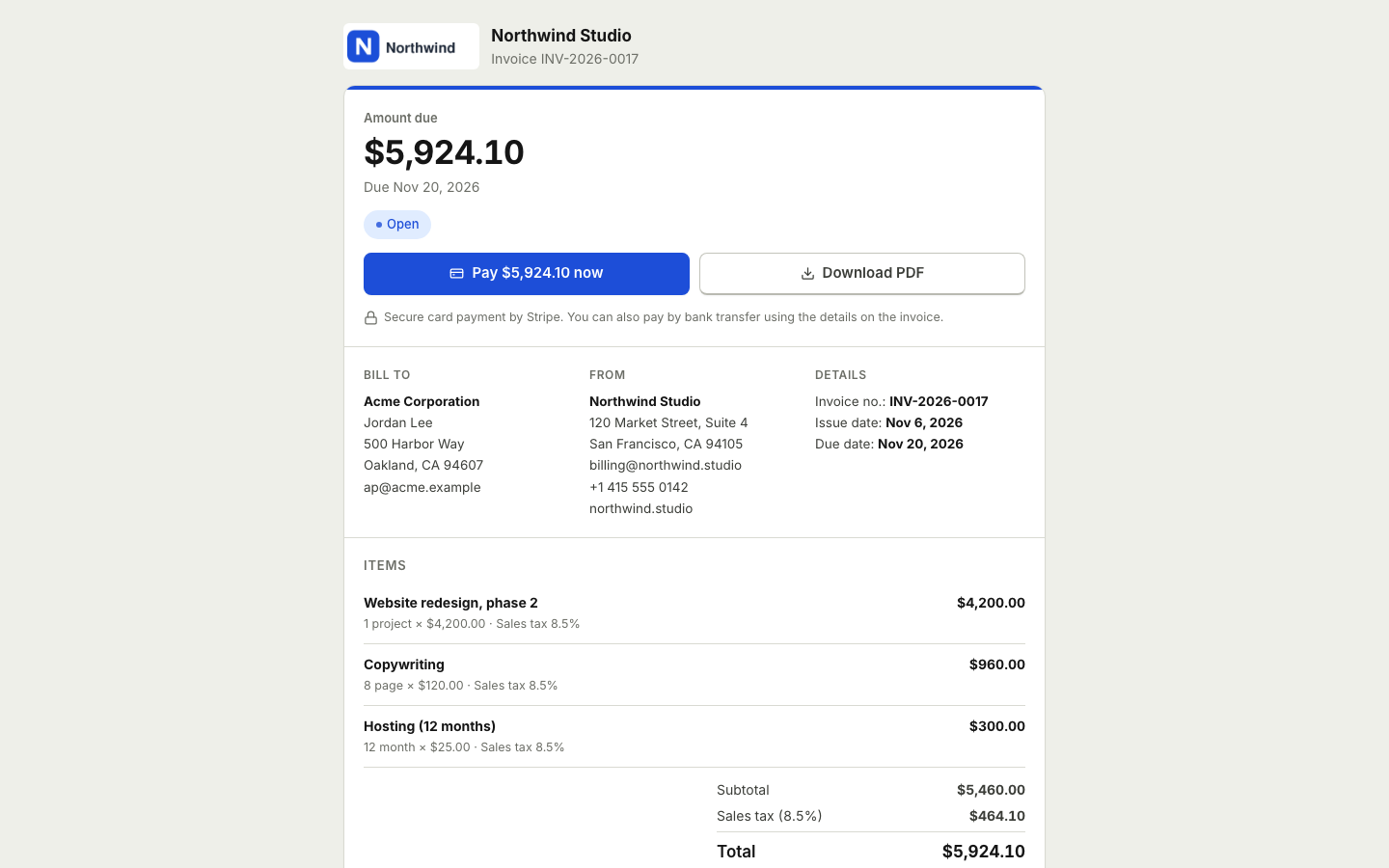 Online paymentsConnect your own Stripe, PayPal, Square, Razorpay, Mollie, GoCardless or Lemon Squeezy account. Clients pay online and the payment posts to your books.
Connect your assistant to BooksBat
Create a free account, generate an API key and add the BooksBat MCP server to your assistant in a few minutes.