Turn an email or job notes into an invoice
Paste the email thread, your timesheet notes or a quick summary of the job. BooksBat AI reads it and drafts an invoice with the client and line items filled in. You check it, change what you like and send it.
- You review before anything is sent
- Uses AI credits
- Works with your saved clients
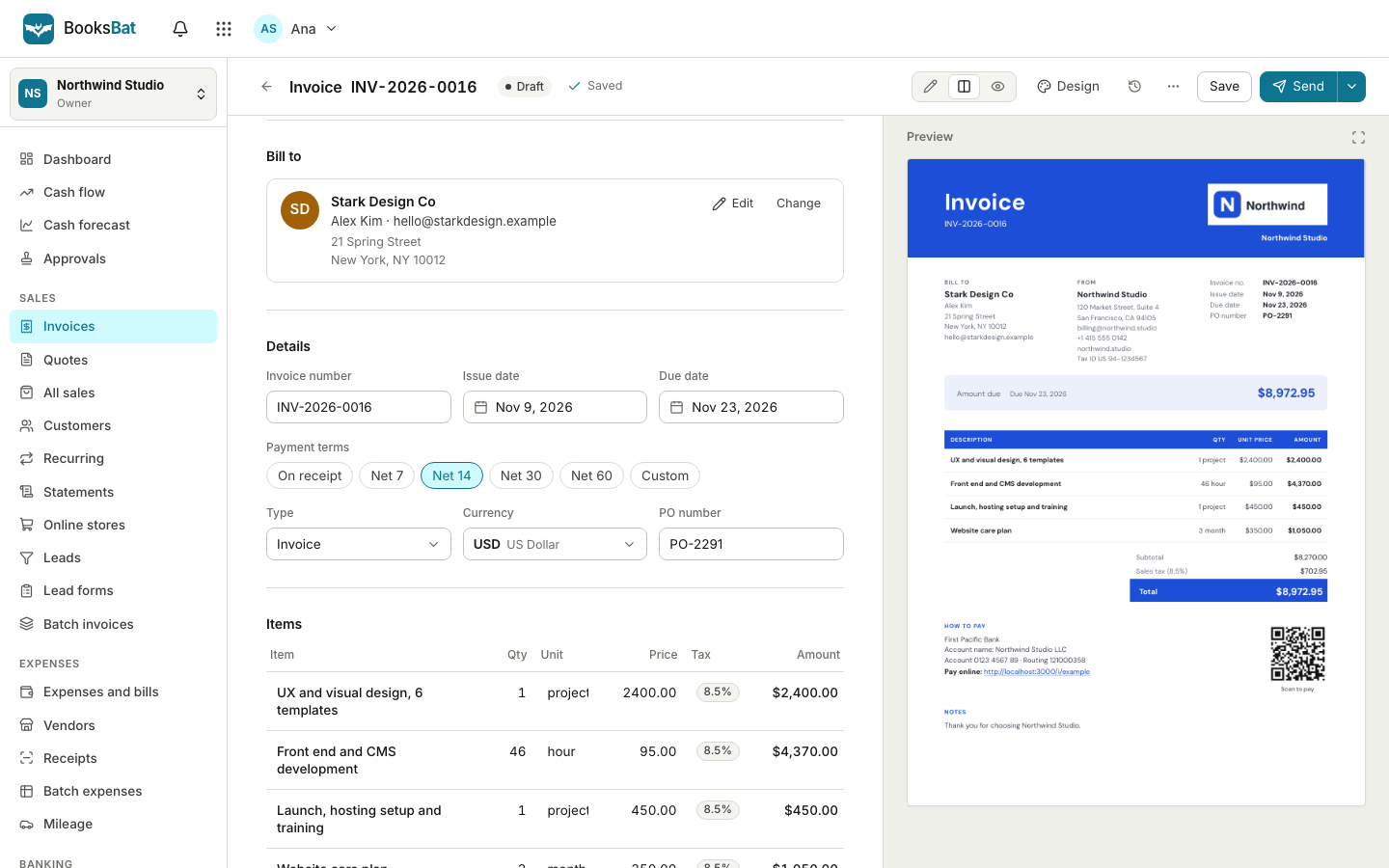
Less typing at the end of a long day
The details of a job usually already exist somewhere: an email where the client agreed the price, a note on your phone listing the hours you worked, a message saying which extras were added. Turning that into an invoice means reading it again and typing every line by hand.
With AI invoice drafting you paste that text into BooksBat and get a draft invoice back. It picks out who the client is, the work done, quantities, units and prices, and puts them into a normal BooksBat invoice. Nothing is sent automatically. The draft opens in the editor, where you can check every line before you send it.
Why draft invoices with AI
From text to line items
Paste free text and get structured lines with descriptions, quantities, units and prices.
Matches your clients
When the text names a client you have already saved, the draft uses their saved details.
You stay in control
Drafts are never sent on their own. You review, edit and send when you are happy.
Exact totals
Once the lines are in, BooksBat does the math: taxes, discounts and totals are calculated exactly as on any invoice.
Saves time
Spend a minute checking a draft instead of retyping a job you already described in an email.
How it works
- 1
Paste your text
Copy an email, a list of hours or a short description of the job and paste it into the draft from text box on the invoices page.
- 2
Get a draft
BooksBat AI reads the text and creates a draft invoice with the client and line items filled in.
- 3
Review and send
Check each line, adjust prices, taxes or dates, then send the invoice like any other.
What the draft includes
- Client
- The client named in the text, matched to your saved clients when possible.
- Line items
- Each piece of work or product as its own line with a clear description.
- Quantities and units
- Hours, days, items or visits, taken from the text where they are given.
- Prices
- Unit prices mentioned in the text, ready for you to confirm.
- Your defaults
- Your business profile, currency, payment terms, tax rates, notes and number format apply as usual.
- Normal draft status
- The result is an ordinary draft invoice, so you can edit, preview, download or delete it.
- AI credits
- Each draft uses AI credits from your account. You can see your balance in the app.
What to paste
The clearer the text, the better the draft. You do not need any special format. Some examples that work well:
- An email where the client agreed a quote: "Happy to go ahead with the kitchen repaint at $1,200 plus $150 for materials."
- Timesheet notes: "Acme Ltd, March: 12 hours strategy calls at $90, 2 days workshop at $700 a day."
- A job summary: "Deep clean of 3 bedroom house, oven clean extra, 2 visits."
- A message listing extras added to a photo package, with the agreed prices.
If a price or quantity is missing from the text, the draft leaves it for you to fill in. Always read the draft before sending it, the same way you would check any invoice.
AI that works with the rest of BooksBat
A drafted invoice is a normal BooksBat invoice. Send it by email with the PDF attached and a link to the public invoice page, take online payments, let automatic reminders follow up, and see it in your reports and your books.
AI helps on the spending side too. On Pro, receipt scanning reads the receipts you upload and fills in the expense for you to check, also using AI credits. See expenses and bills.", "Prefer to work with an AI assistant you already use? The BooksBat MCP server lets any MCP compatible AI assistant create, list, read and send invoices in your account.
Frequently asked questions
Does AI send invoices for me?
No. AI only creates a draft. You review it and choose when to send it.
Does AI invoice drafting cost extra?
It uses AI credits from your account. See pricing for how credits work on each plan.
What kind of text can I paste?
Emails, job notes, timesheet summaries or a short description of the work. Plain text in any layout works.
What if the text is missing a price?
The draft leaves that line for you to complete. You can edit every field before sending.
Will it use my saved clients?
Yes. When the text names a client you already have, the draft uses that client's saved details.
Is the math done by AI?
No. AI fills in the lines. Totals, taxes and discounts are calculated by BooksBat with exact money math.
Related features
Online invoicingCreate professional invoices in minutes, email them with the PDF attached and let clients view and pay on a mobile friendly page. MCP serverLet any MCP compatible AI assistant create, list, read and send your invoices through the BooksBat MCP server.
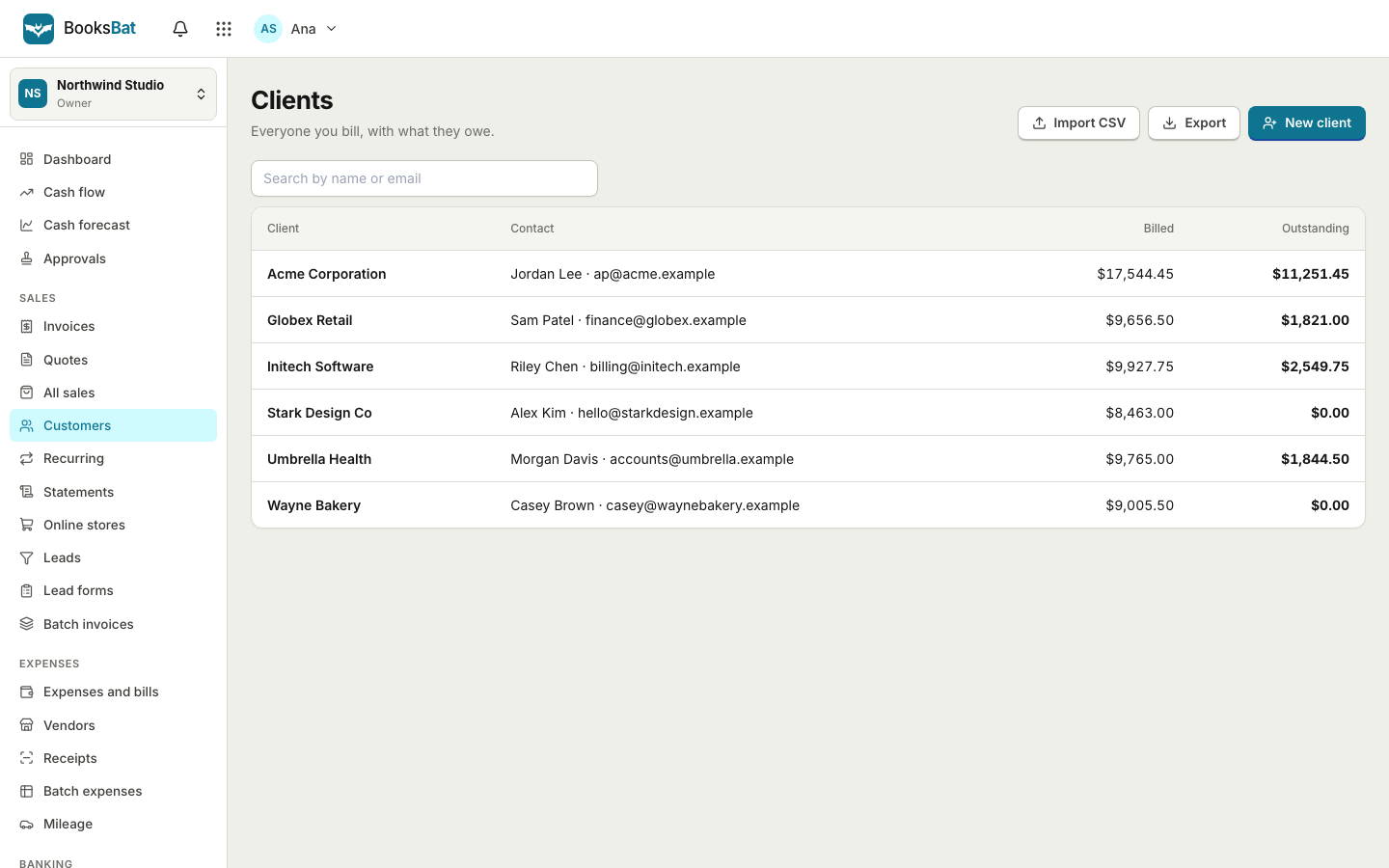 Clients and catalogSave clients, products and services once, import and export clients as CSV, and set up your business profile for every invoice.Expenses and billsRecord expenses, checks and supplier bills, pay them on time, track vendors and purchase orders, and keep every receipt attached.
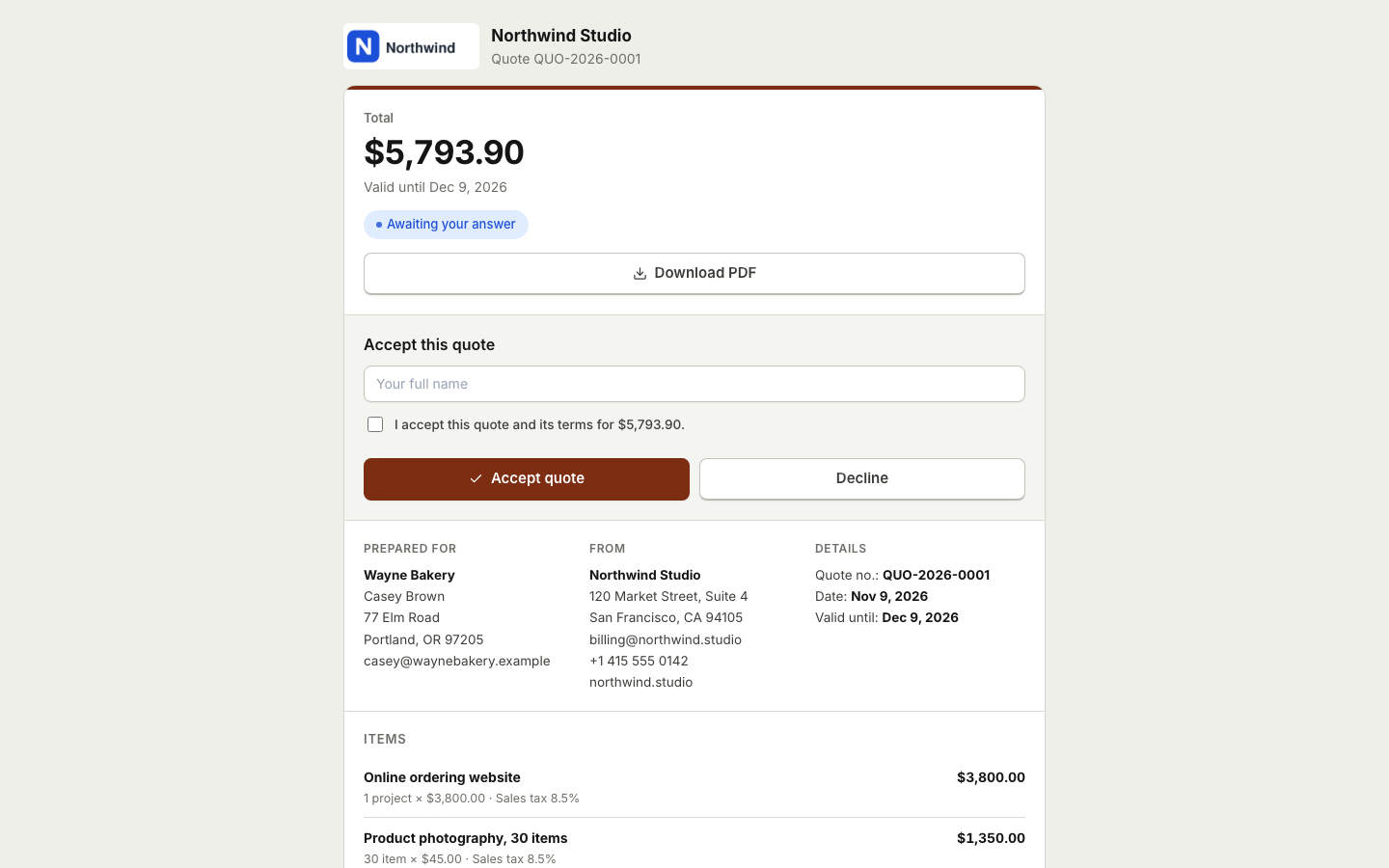 Quotes and estimatesSend quotes your clients accept online with a typed name, then turn them into invoices with one click or automatically.Invoicing for contractorsSend estimates clients accept online, take deposits, and invoice the balance when the job is done.
Try drafting an invoice from text
Create a free account, paste your job notes and see a draft invoice in moments. You review everything before it is sent.