Share the work, not your password
Invite the people who help run your business, from a bookkeeper to your accountant to the staff who log their hours. Each one gets their own login and a role that shows them only what they need, and the audit log records what everyone did.
- Six roles to choose from
- Several companies, one login
- Every change in the audit log

The right access for each person
Sooner or later, someone else needs to see your books. A partner who wants to check the numbers, an office manager who enters bills, an accountant who closes the year, an employee who logs time. Sharing one login is risky: you cannot tell who did what, and you cannot take access away from one person without changing it for everyone.
BooksBat gives each person their own login and a role. Roles decide what they can see and change, from full control down to read only. Standard users can be limited to the areas you choose, such as sales or expenses. When someone leaves, remove them in a click, and the audit log keeps the history of what they did.
Why invite your team to BooksBat
Roles that fit real jobs
Owner, admin, standard, accountant, read only and time tracking only, each with sensible limits.
Per area access
Give standard users access to just sales, just expenses or the areas you pick, and keep banking and reports private.
A seat for your accountant
The accountant role can review the books, post journal entries and run reports without being an owner.
Several companies
Run more than one business from one login and move between them with the company switcher.
Audit log
See who created, edited or deleted each record and when, across the whole company.
Protected periods
Combine roles with a closing date password so finished periods stay as your accountant left them.
Invite someone in 3 steps
- 1
Open team settings
Go to team in settings and choose invite user.
- 2
Pick a role
Enter their email and choose a role. For a standard user, tick the areas they may use.
- 3
They accept
They get an email, set up their own login and see only what their role allows. Change or remove access at any time.
Roles and controls
- Owner
- Full access, including billing, the plan and the company itself. There is one owner per company.
- Admin
- Full access to the books and settings, and can manage other users.
- Standard user
- Access only to the areas you choose, such as sales, expenses, banking or reports.
- Accountant
- Access to the books, journal entries, reconciliation and reports, built for your outside accountant.
- Read only
- Can view everything they are allowed to see but cannot change anything.
- Time tracking only
- Can record their own time and nothing else. Useful for staff and subcontractors.
- Company switcher
- One login for several companies, each with its own books, users and settings.
- Audit log
- A searchable history of changes across the company, on the audit log page.
- Closing date
- Lock past periods with a password. See bookkeeping.
- Remove access
- Take someone's access away immediately without affecting anyone else.
Working with your accountant
Your accountant does their best work when they can see the real books instead of a pile of exports. Invite them with the accountant role and they can review the chart of accounts, check bank reconciliation, post adjusting journal entries and run every report they need. You keep ownership of the company and the subscription.
If your accountant looks after several clients who use BooksBat, they can switch between those companies from their own login.
Running more than one business
Many owners have a second company, a side business or a holding company. In BooksBat each company has its own chart of accounts, customers, invoices and reports, and you move between them with the company switcher at the top of the screen. Nothing is mixed up, and you only pay for one subscription.
How many users and companies each plan includes
These are the default limits:
- Free: 1 user and 1 company.
- Pro, $4 a month: up to 3 users and 3 companies, with team members and roles.
- Business, $12 a month: up to 25 users and 10 companies, plus time tracking, so the time tracking only role is most useful here. See time and projects.
Compare everything on the pricing page.
Frequently asked questions
Can I give my accountant access?
Yes. On Pro and Business, invite them with the accountant role. They get their own login and can work on your books and reports without your password.
Can I limit what a staff member sees?
Yes. Give them the standard role and pick the areas they may use, or the read only or time tracking only role.
How many users can I add?
Free has 1 user, Pro up to 3 and Business up to 25 by default. See pricing.
Can I manage more than one company?
Yes. Pro includes up to 3 companies and Business up to 10, all from one login with a company switcher.
Can I see who changed a transaction?
Yes. The audit log records who created, edited or deleted each record and when.
What happens when I remove a user?
They lose access straight away. Their past work stays in your books and in the audit log.
Related features
BookkeepingDouble entry bookkeeping with a chart of accounts, journal entries and a ledger that fills itself from your invoices, payments and bills.Financial reportsProfit and loss, balance sheet, cash flow, trial balance, general ledger, aging and more, on a cash or accrual basis.Time tracking and projectsTrack hours with a timer or timesheet, bill them on invoices and see the income, costs and profit of every project.Bank reconciliationImport bank statements as CSV, OFX, QFX or QBO, categorize or match each line with bank rules, then reconcile to the statement.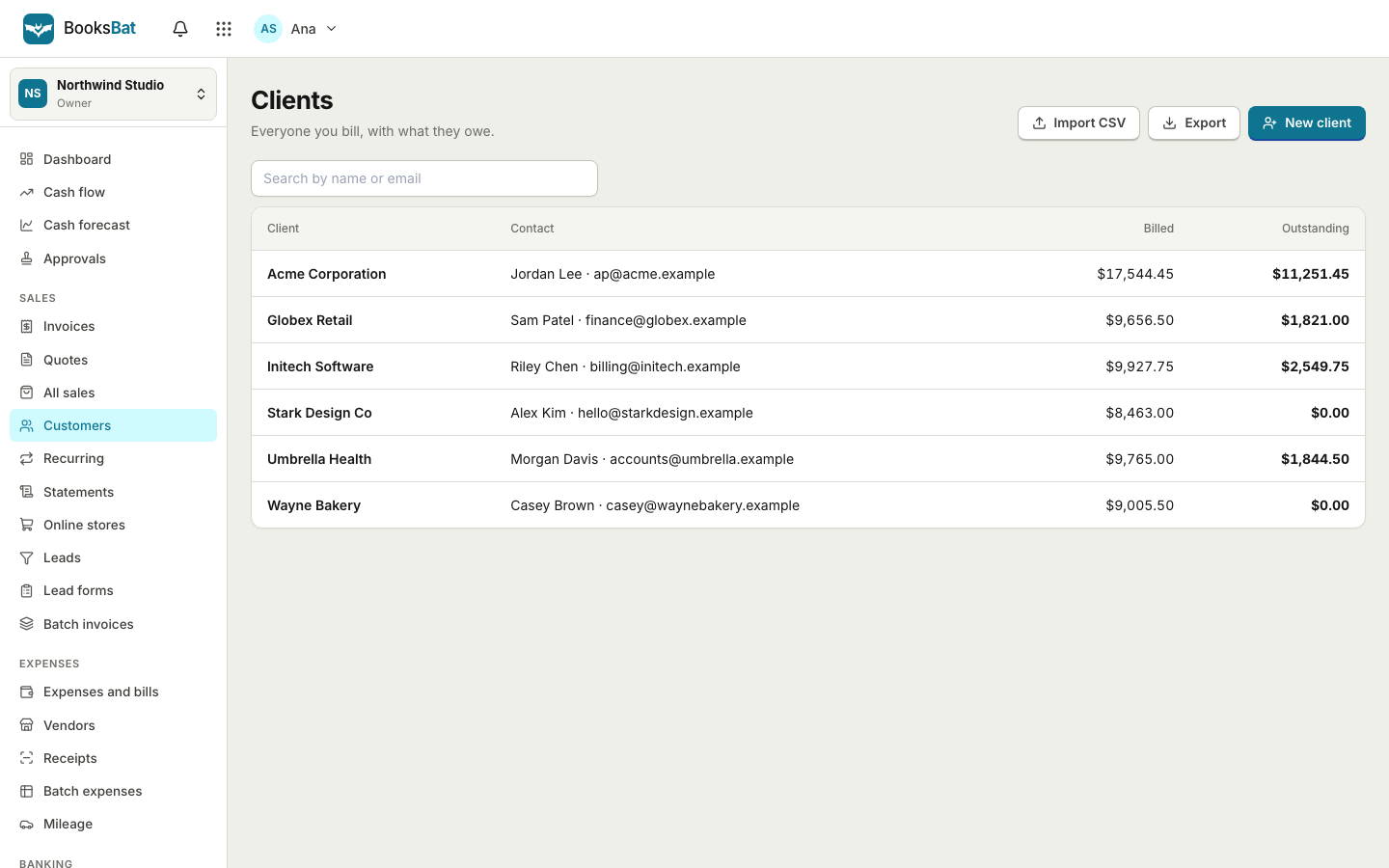 Clients and catalogSave clients, products and services once, import and export clients as CSV, and set up your business profile for every invoice.
Bring your team and your accountant in
Create a free account today and upgrade to Pro when you are ready to invite others. No credit card to start.