Sell and buy in any currency, keep one set of books
Bill an overseas customer in euros, pay a supplier in pounds and keep your books in dollars. BooksBat records the exchange rate on each transaction, converts everything to your home currency for reports and works out the gain or loss when the rate moves before you are paid.
- Any ISO 4217 currency
- Exchange rate on every transaction
- Realized gain and loss recorded

Foreign currency without the spreadsheet
Working with customers and suppliers abroad is normal for small businesses now. The awkward part comes afterwards: the invoice was for 1,000 euros, the money arrived weeks later at a different rate, and your books need to show both the sale and the difference. Doing that by hand is slow and easy to get wrong.
BooksBat handles it as part of your bookkeeping. You set a home currency for the company. Customers, vendors and bank accounts can each have their own currency. Every foreign transaction stores the exchange rate used, and every report converts to your home currency, so your profit and loss and balance sheet make sense in one currency.
Why use BooksBat for foreign currency
Any currency
Invoice and pay in any ISO 4217 currency, including zero decimal currencies such as JPY.
A home currency for your books
Choose the currency your books and reports use. Everything else is converted to it.
Exchange rates on every entry
Each foreign transaction stores its rate, and you can enter the exact rate your bank used.
Realized gain and loss
When a foreign invoice or bill is paid at a different rate, BooksBat records the exchange gain or loss for you.
Foreign bank accounts
Keep a bank account in another currency and import its statements in that currency.
Exact math
Amounts are calculated to the exact minor unit of each currency, so totals never drift by a cent.
Start working in other currencies in 3 steps
- 1
Set your home currency
In company settings, confirm the home currency your books use and turn on multiple currencies.
- 2
Set currencies on customers and vendors
Give each foreign customer, vendor or bank account its currency. New transactions use it automatically.
- 3
Invoice, pay and report
Send invoices and record bills in the foreign currency. When payment arrives, any exchange gain or loss is posted for you.
What multi currency includes
- Home currency
- The currency of your books, used by every report.
- Foreign customers
- Invoices, quotes and statements in the customer's currency.
- Foreign vendors
- Bills and payments in the supplier's currency.
- Foreign bank accounts
- Bank and credit card accounts in another currency.
- Exchange rates
- A rate stored on every foreign transaction, which you can review and edit.
- Realized gain and loss
- The difference between the rate on the invoice or bill and the rate when it was paid, posted to an exchange gain or loss account.
- Reports in home currency
- Profit and loss, balance sheet and other reports converted to your home currency.
- Zero decimal currencies
- Currencies without cents, such as JPY, are handled correctly.
- Online payments
- Customers can pay foreign currency invoices online through the payment providers you connect.
How a realized gain or loss works
Say your home currency is US dollars and you invoice a customer 1,000 euros when 1 euro is worth 1.10 dollars. BooksBat records 1,100 dollars of income and 1,100 dollars owed to you. Three weeks later the customer pays 1,000 euros, but now 1 euro is worth 1.08 dollars, so you actually receive 1,080 dollars.
The 20 dollar difference is a realized exchange loss. BooksBat posts it to the exchange gain or loss account automatically, the invoice is fully paid and your books match the money you really received. If the rate had moved the other way, it would be a gain.
Foreign currency across BooksBat
Multiple currencies work with the rest of the product:
- Invoices show amounts in the customer's currency. See online invoicing.
- Online payments let customers pay in that currency through your own provider account. See online payments.
- Bank statements for a foreign account are imported and reconciled in its own currency. See bank reconciliation.
- Reports convert to your home currency. See financial reports.
Which plan includes multi currency?
Every plan lets you pick a home currency for your company. Working in multiple currencies, with exchange rates and realized gain and loss, is on Pro at $4 a month and Business at $12 a month. See pricing.
Frequently asked questions
Which currencies can I use?
Any ISO 4217 currency, including zero decimal currencies such as JPY.
Where do exchange rates come from?
Each foreign transaction stores the exchange rate it was recorded at. You can enter the exact rate your bank or provider used, so your books match what really happened.
What is a realized gain or loss?
The difference in home currency between when you invoiced or were billed and when the payment was made, caused by the exchange rate moving. BooksBat posts it automatically.
Can I change my home currency later?
Choose it carefully when you set up the company. The home currency is the base for every report, so it is not something to change once you have transactions.
Can customers pay a foreign currency invoice online?
Yes, through the payment providers you connect, as long as the provider supports that currency.
Which plan do I need?
Multiple currencies are on Pro and Business. See pricing.
Related features
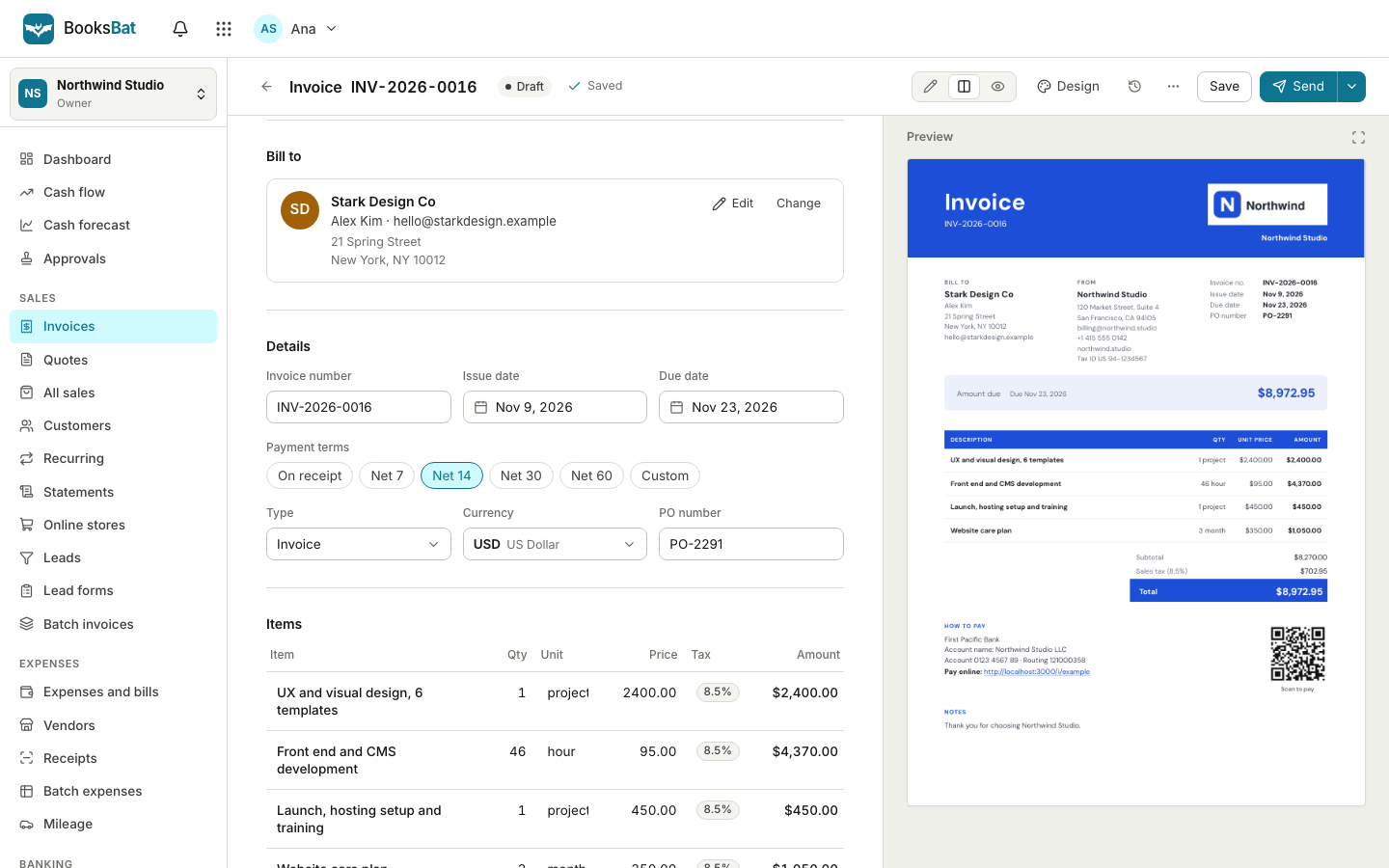 Online invoicingCreate professional invoices in minutes, email them with the PDF attached and let clients view and pay on a mobile friendly page.
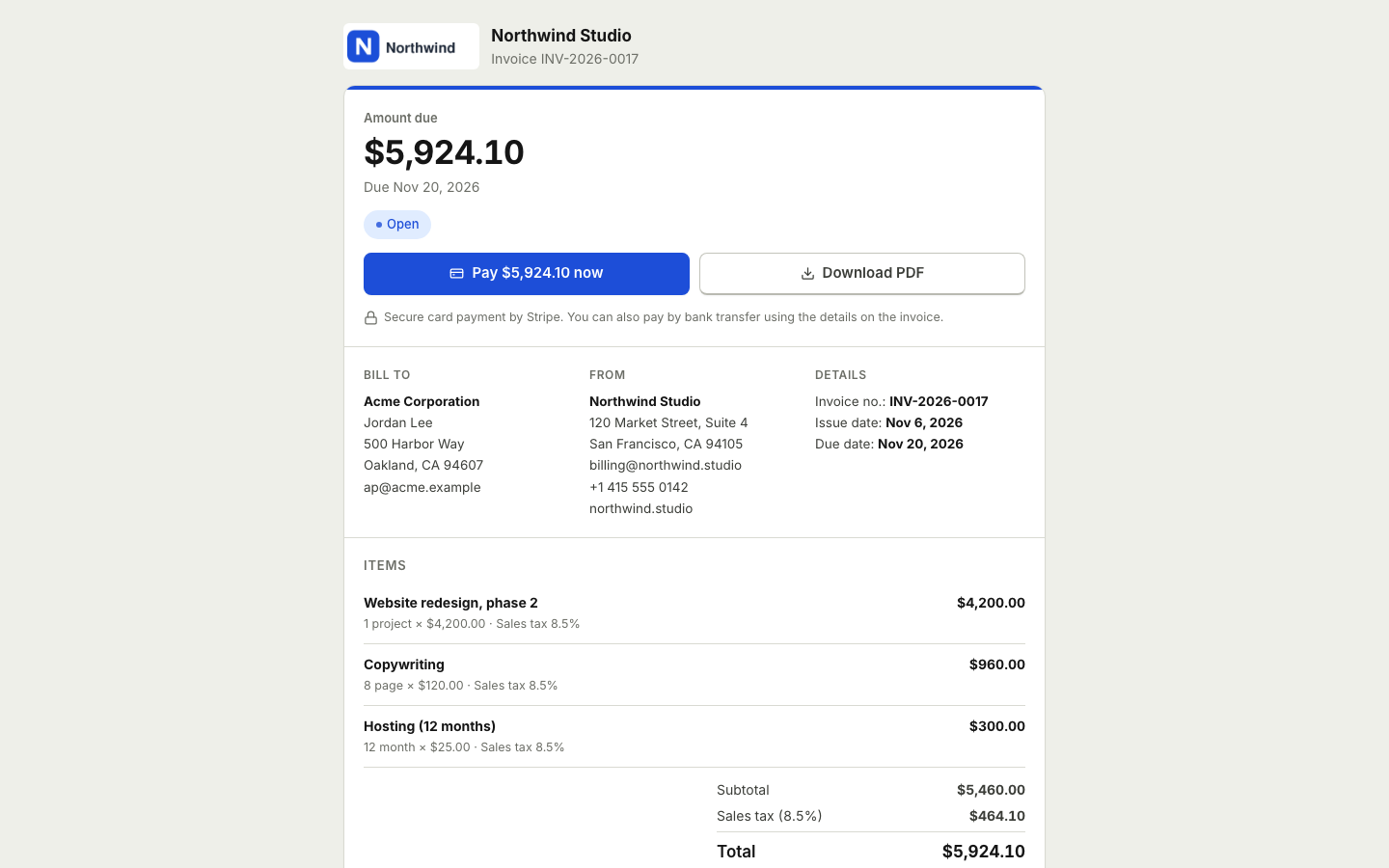 Online paymentsConnect your own Stripe, PayPal, Square, Razorpay, Mollie, GoCardless or Lemon Squeezy account. Clients pay online and the payment posts to your books.Bank reconciliationImport bank statements as CSV, OFX, QFX or QBO, categorize or match each line with bank rules, then reconcile to the statement.Financial reportsProfit and loss, balance sheet, cash flow, trial balance, general ledger, aging and more, on a cash or accrual basis.BookkeepingDouble entry bookkeeping with a chart of accounts, journal entries and a ledger that fills itself from your invoices, payments and bills.Sales taxSet up tax rates and agencies, charge combined or compound rates, see what you owe each period and record your tax payments.
Do business in any currency
Create a free account and upgrade to Pro when you are ready to invoice and pay in other currencies. No credit card to start.